

New Features
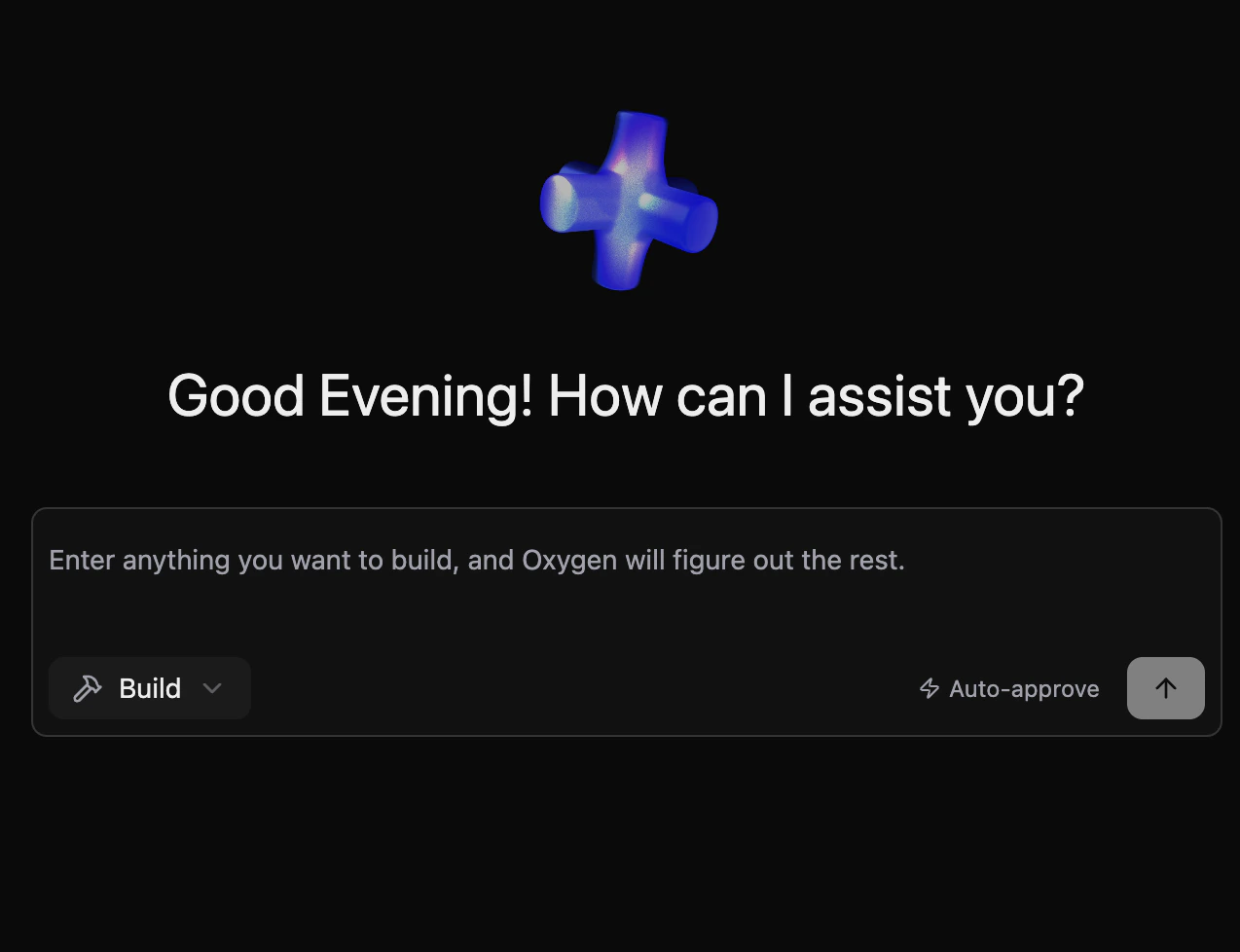
Builder Agent
A new builder copilot agent that can read, modify, and iterate on your Oxygen project files through an AI-driven pipeline:- Project File Operations — Reads and writes configuration files, workflows, and semantic definitions within your project
- SQL Execution — Runs queries against project databases as part of the build process to validate changes in real time
- Agentic Pipeline — Built on the same FSM framework as analytics agents, with full support for suspension, tool use, and result interpretation
Workspace Management
Oxygen now ships with three distinct deployment modes depending on your setup:| Mode | Command | Use when |
|---|---|---|
| Local machine | oxy start | Running on your laptop — PostgreSQL auto-managed in Docker |
| Remote server | oxy serve --local | Deploying to a VM or container with a single fixed workspace |
| Cloud / multi-workspace | oxy serve | Multi-tenant platform where users manage multiple workspaces via the UI |
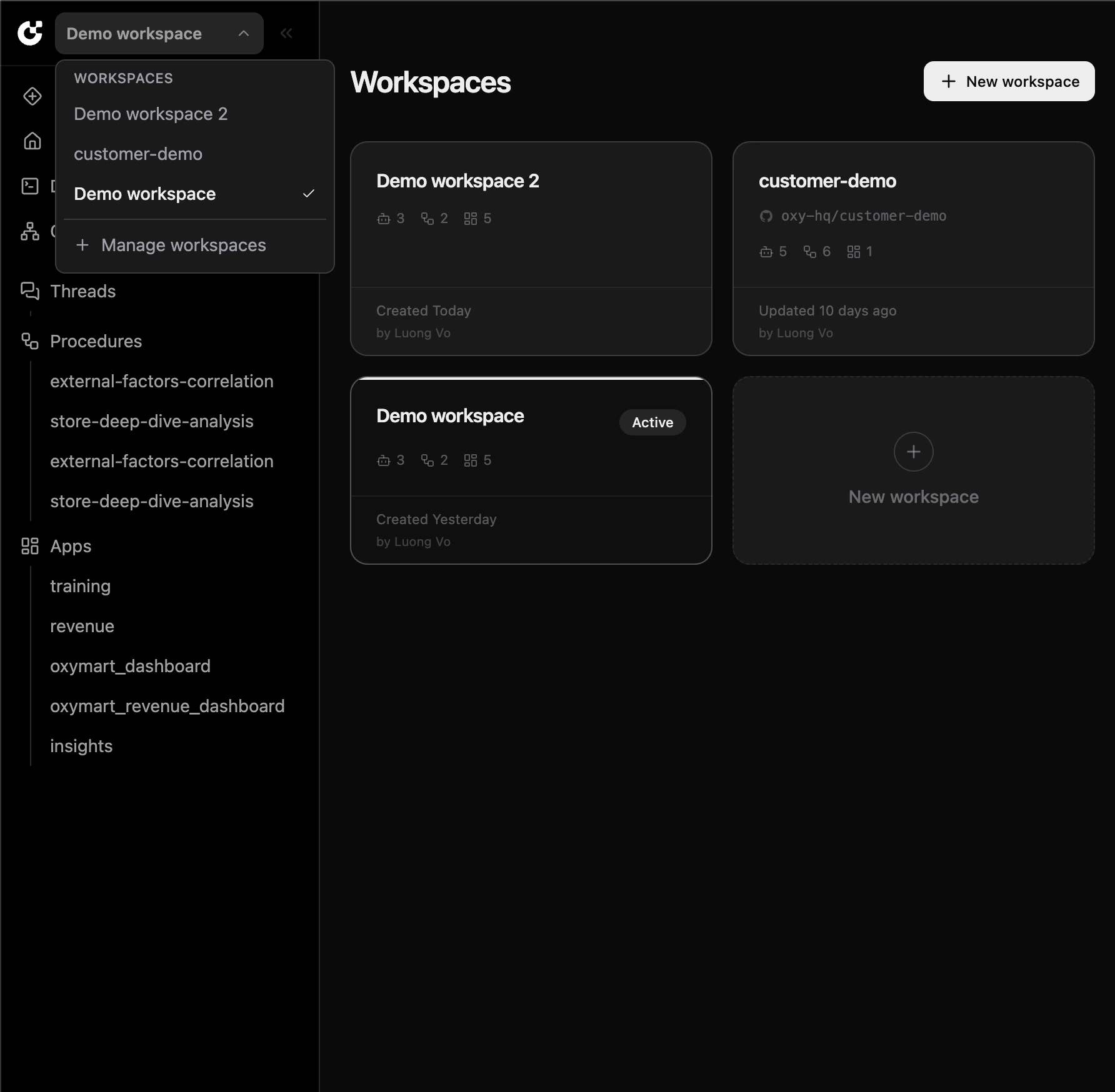
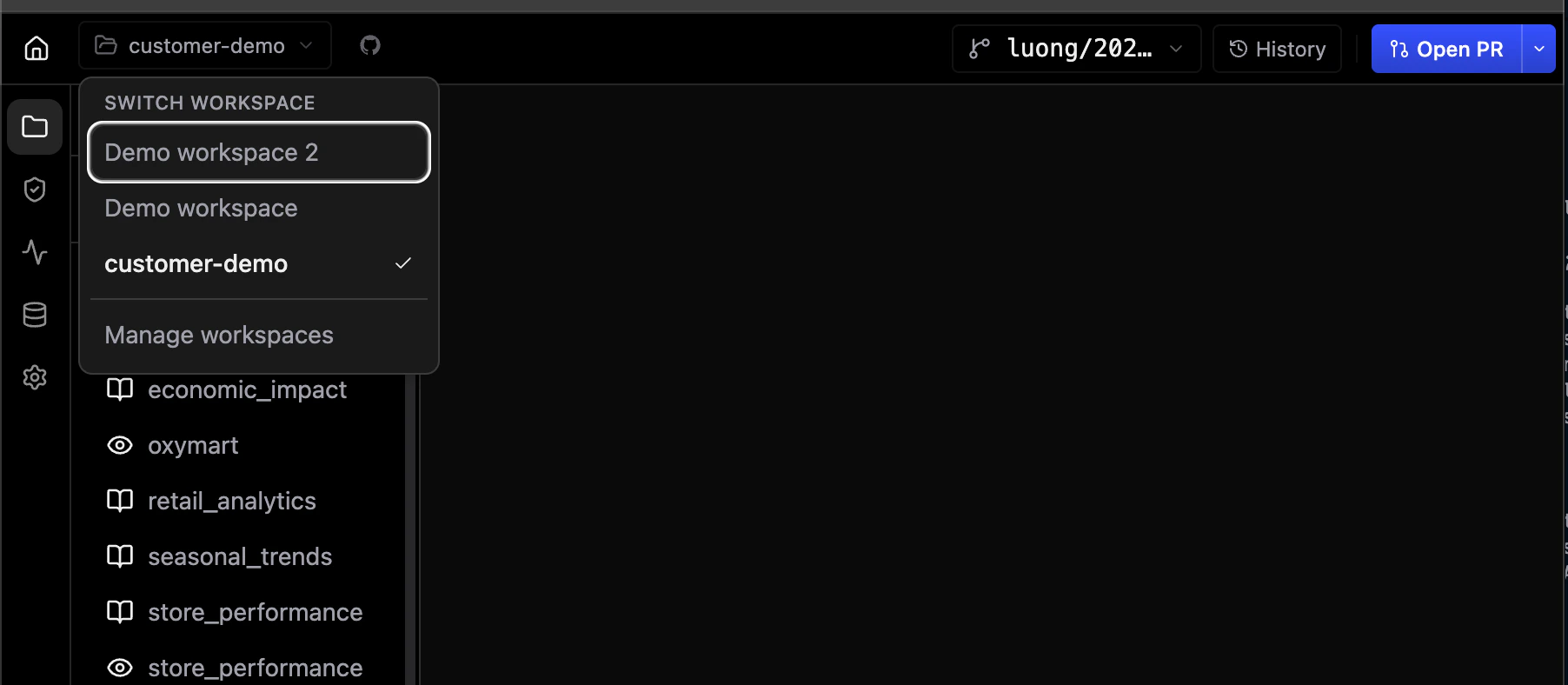
- Multi-Workspace Mode — Users import repositories from GitHub and switch between workspaces directly from the UI. Requires an external PostgreSQL database and a GitHub App.
- Local Mode (
--local) — Serves one fixed workspace directory with an embedded PostgreSQL instance on disk — no Docker required. - Onboarding Flow — First-time workspace setup is guided through the UI when no projects are detected.
Workspace Member Management
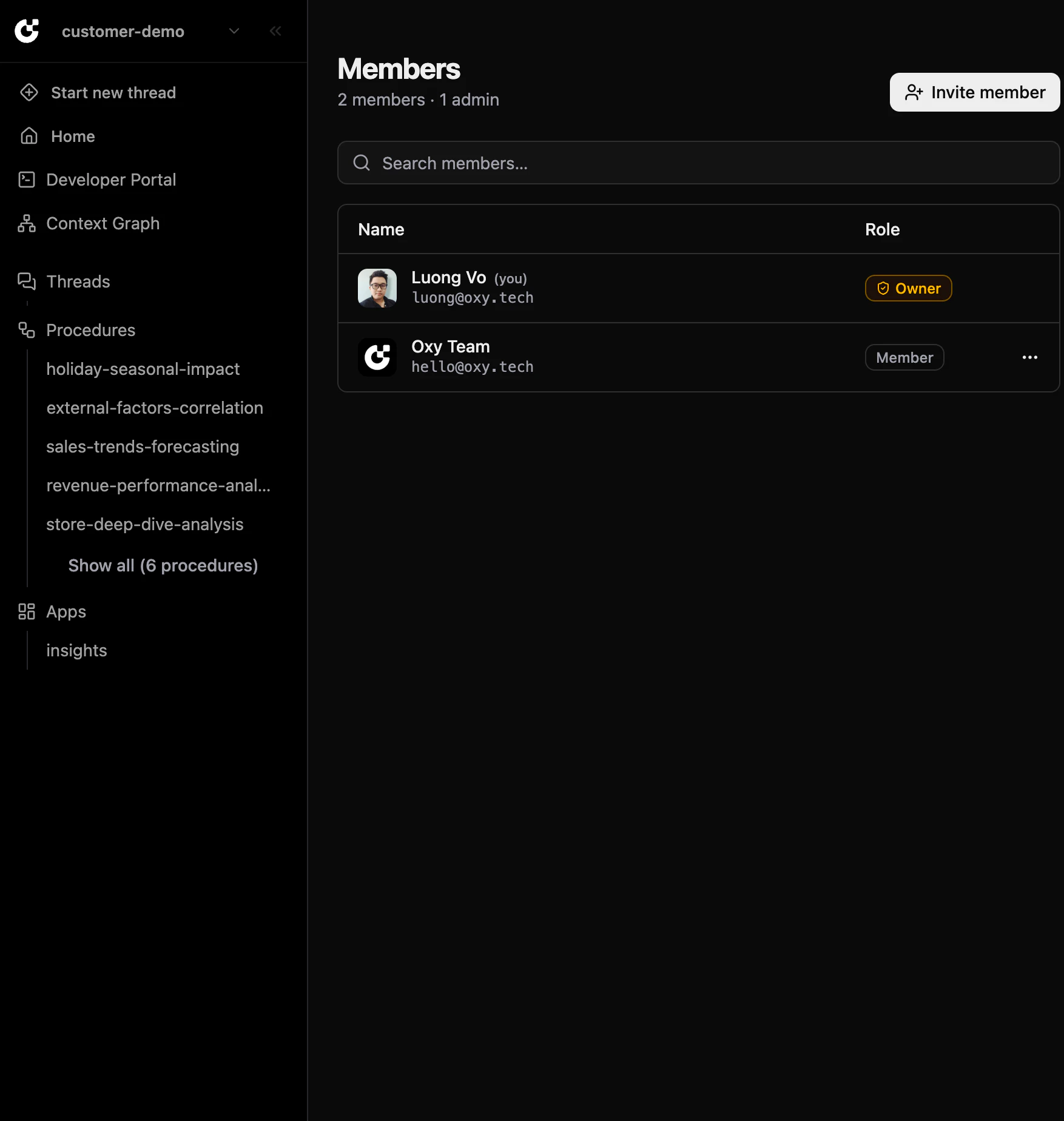
Multi-workspace deployments now support role-based access control for workspace members:- Owner Role — Set
OXY_OWNERto an email address; that user receives the Owner role on login and can promote others to Admin through the UI - Invite Members — Workspace owners can invite members directly from the Members page
- Role Management — Manage member roles (Owner, Admin, Member) without touching server configuration
Thinking Budget Toggle
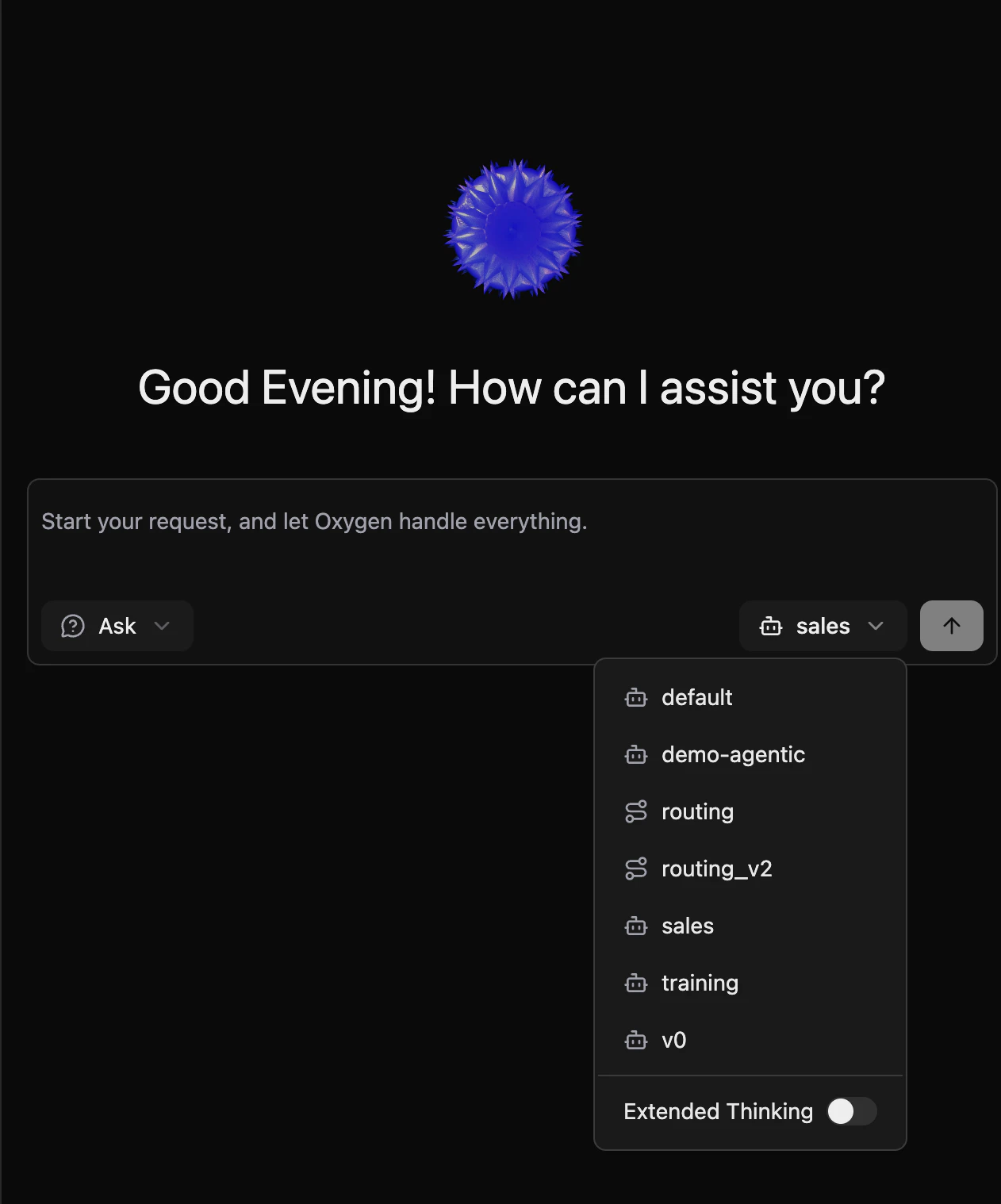
Analytics agents now expose an extended thinking toggle in the UI:- Extended Thinking Mode — Enable to give the agent a larger reasoning budget, improving answer quality for complex or ambiguous analytical questions
- Per-State Model Overrides — Configure different LLM models for individual pipeline states in
.agentic.ymlfor fine-grained cost and quality control
Platform Improvements
UI/UX Consistency
- Editable Filters and Ordering — Filters and sort order in the agentic workflow panel are now fully editable, consistent with measures and dimensions
- Procedure Graph Fixes — Resize handle no longer appears before a run starts; running state animation now correctly reflects concurrent loop execution across all branches
- Unified Loading States — Consistent skeleton and spinner components across threads, analytics, app-builder, and other pages
- Color System — Migrated hardcoded colors to CSS custom properties for consistent theming in both light and dark mode
- Unified Error Display — Single
ErrorAlertcomponent replaces scattered error patterns throughout the app - Login Page — Updated to the latest logo; fixed
orseparator background color inconsistency - Favicon — Updated for better visibility across light and dark browser themes
Deployment Documentation
- Deployment Modes Guide — Updated deployment docs now clearly distinguish between single-workspace (local) and multi-workspace modes, with step-by-step environment variable setup, variable reference tables, and AWS SSM usage examples
- GitHub App Integration Guide — New dedicated guide for setting up a GitHub App for workspace import and Git integration in multi-workspace mode
Error Handling
- Environment Variable Validation — Missing required environment variables now cause a startup failure with a clear error message instead of silently falling back to empty strings, preventing misconfigured deployments from reaching production undetected